Custom Display Names for Volunteers
Conventions can now give their volunteer program its own name. Whether your crew are ConCrew, Meeples, Guides or something else entirely, attendees will see your name for them instead of "Volunteer" throughout the attendee experience.
Set Your Display Names in Volunteer Settings
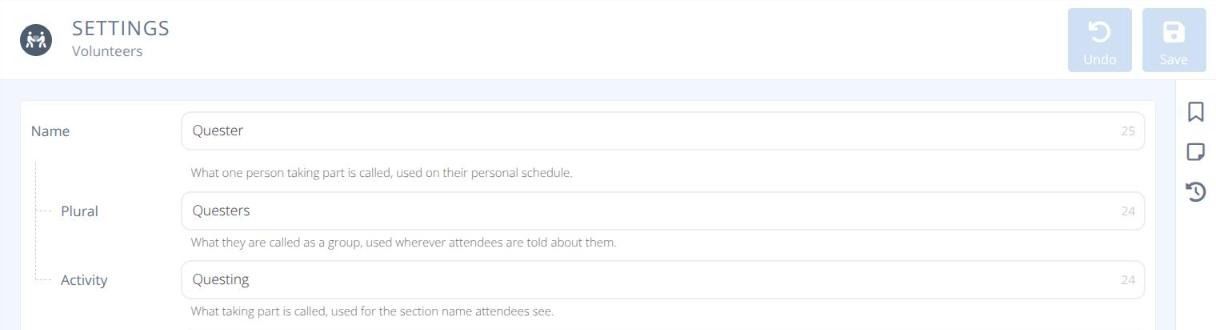
Three new fields appear at the top of Volunteers → Settings in Manage:
Name - What one person taking part is called (e.g. Quester). Used on their personal schedule.
Plural - What they are called as a group (e.g. Questers). Used wherever attendees are told about them.
Activity - What taking part is called (e.g. Questing). Used for the section name attendees see.
If you don't set custom names, attendees continue to see Volunteer, Volunteers and Volunteering. The Manage side always uses the standard Volunteer terms, so your admin team works with familiar menus whatever name you choose
What Attendees See
Your custom names appear in three places in the attendee experience.
Info Section
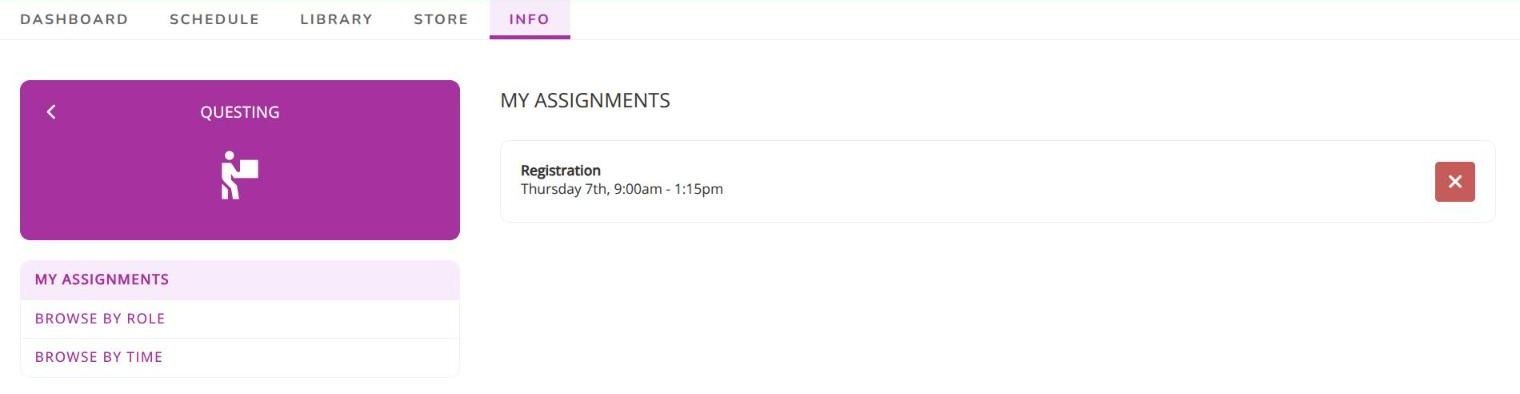
The volunteering section in Info takes the Activity name, here Questing, along with its menu entry.
My Itinerary
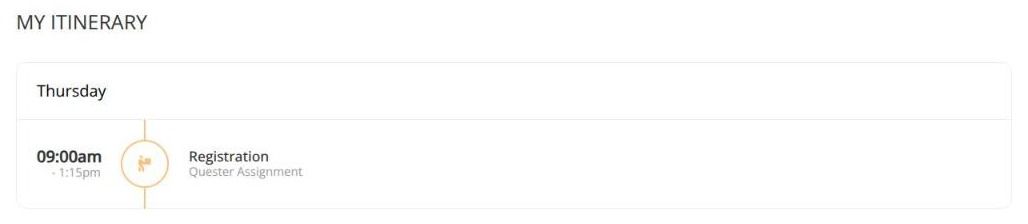
Shifts on an attendee's itinerary use the Name, here labelled Quester Assignment.
Mobile Dashboard
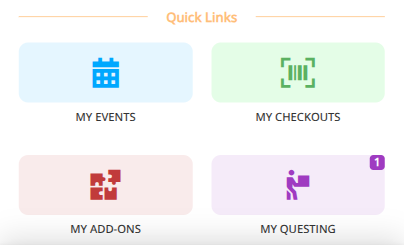
On the mobile dashboard, the Quick Links tile becomes My Questing. Tapping it opens the Questing section.