Improved Organization Management
Admins will experience an enhanced Organization Interface, making it significantly easier to manage Convention and Store Properties and access current and past Conventions.
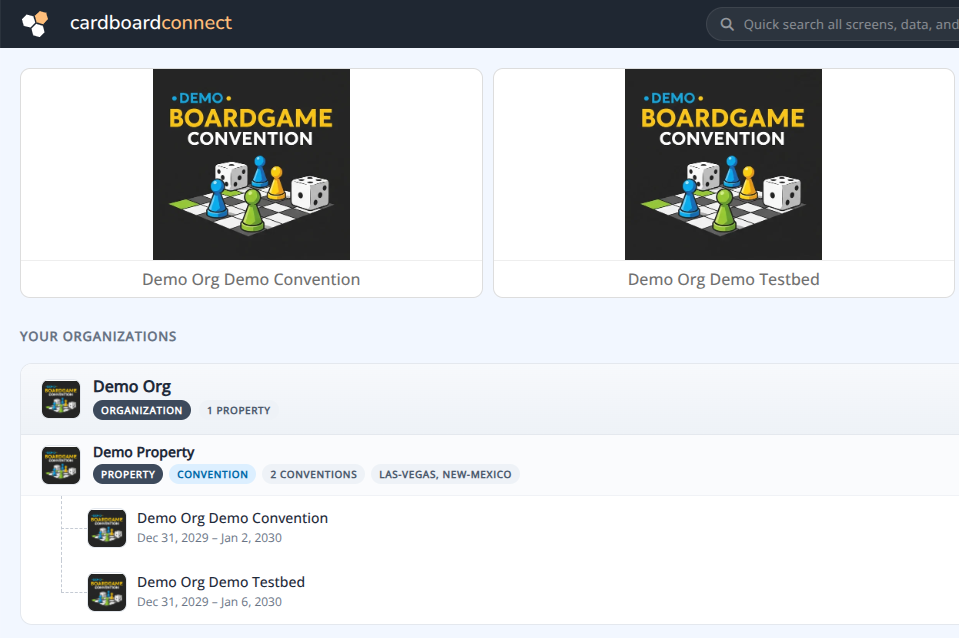
Manage Home
The Manage Home now features quick tiles for active and upcoming conventions. The updated layout cleanly separates each organization into Properties and Entities (Conventions or Stores), streamlining navigation so you can quickly find and select the right section.
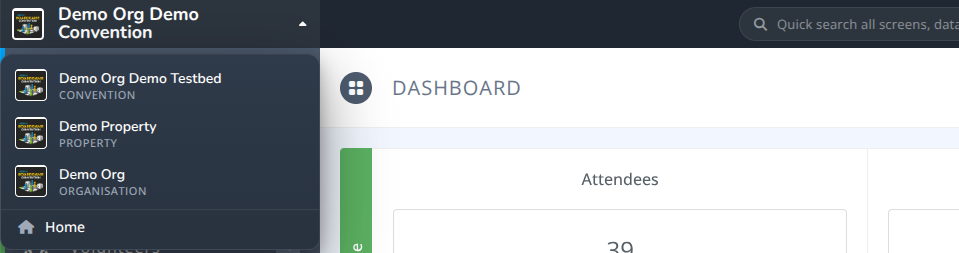
Quick Navigator
While viewing a property or convention, you can use the Quick Navigation Selector to seamlessly jump between different entities. Selecting Home will immediately return you to the quick tiles and the Manage Home.
Property Management
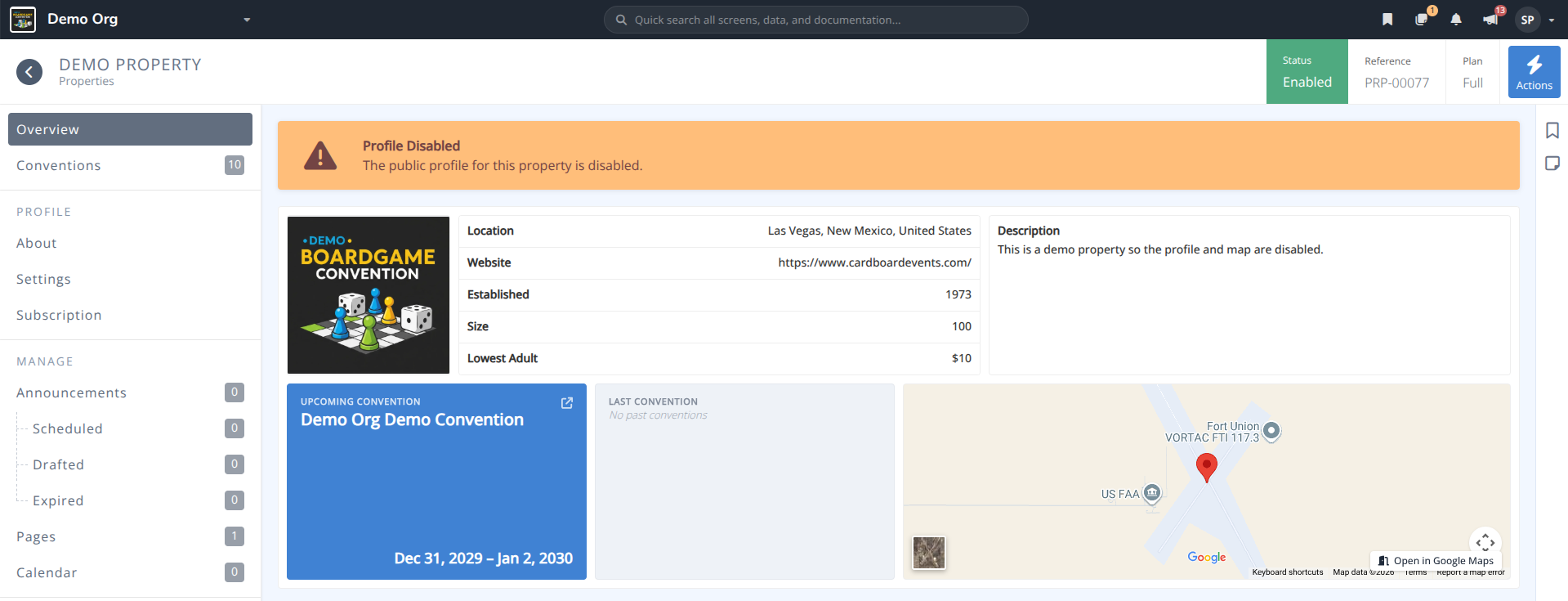
Property Management is now fully accessible from the Manage Interface, while still being supported in the Attendee Interface. This dual access allows active subscribers and full users of the Cardboard Connect platform to manage property-level Announcements, Pages, and Calendars from either location.
Property Profile
Admins can update Property details from the About menu including Name, Description, Logo, Location, Website, and any other relevant details.
Note: Some fields may not be edited unless the organization has an active subscription or has been granted full access to the platform.
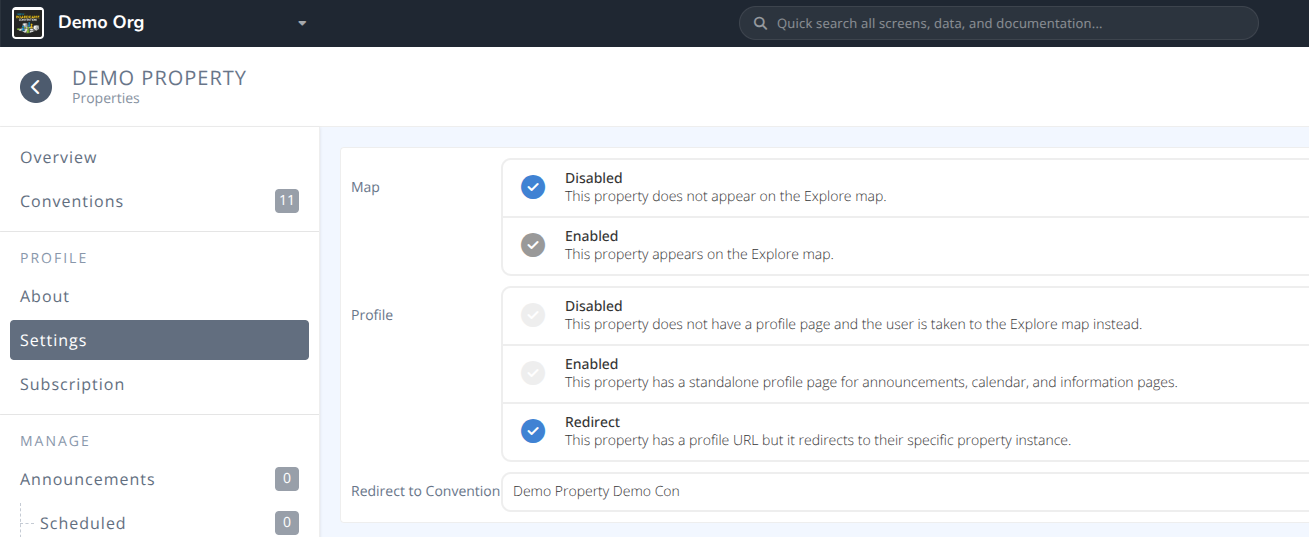
Property Settings
The Settings menu provides control over map visibility and for active subscribers and full users access to their Property Profiles.
Disabling the map will hide the property from the Explore Map so that it cannot be searched for or displayed in the Cardboard Connect directory
Enabling the Profile will display a standalone profile page for announcements, calendar, and information pages.
Setting the Profile to Redirect instead will send those visiting the property on the Explore map to go directly to the selected entity instead of the profile page.