Standardized Exports and Imports
Exports and imports of records have been standardized across the system to provide a common interface. Exports have been added to most areas that contain records and the importing process improved where importing is supported.
Export Interface
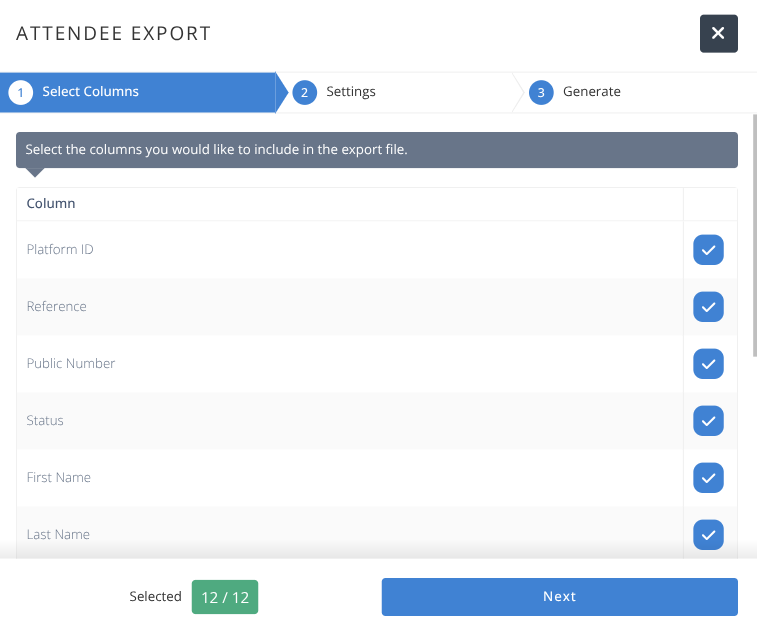
The export interface has been improved to follow a standard 3-step process:
Select which Columns will be exported
Select any export specific Settings.
Generate & Download the csv file.
Import Interface
The import interface has been improved to follow a standard 5-step process:
Start
The required and optional columns are displayed along with some general infomration on the fields.
A template CSV file may be downloaded to assist with creating a file for importing.
Upload Data
Select the CSV file to upload noting that the first row must be column names and the file must be saved with UTF-8 encoding to ensure special characters are handled properly.
The number of rows, columns, and auto-matched fields are displayed.
Admins can specify how duplicate records are detected when required.
Assign Columns
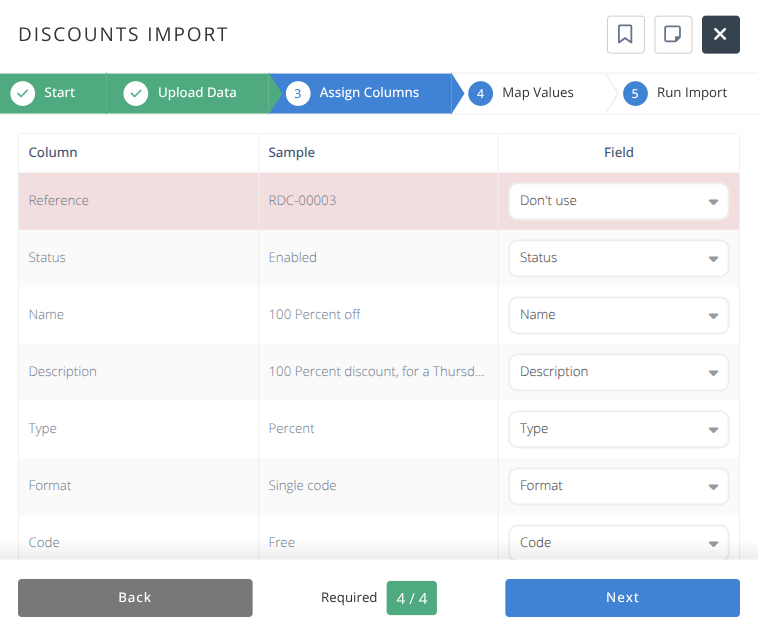
Review and select all matching fields between the import CSV and the section being imported into.
Map Values (when required)
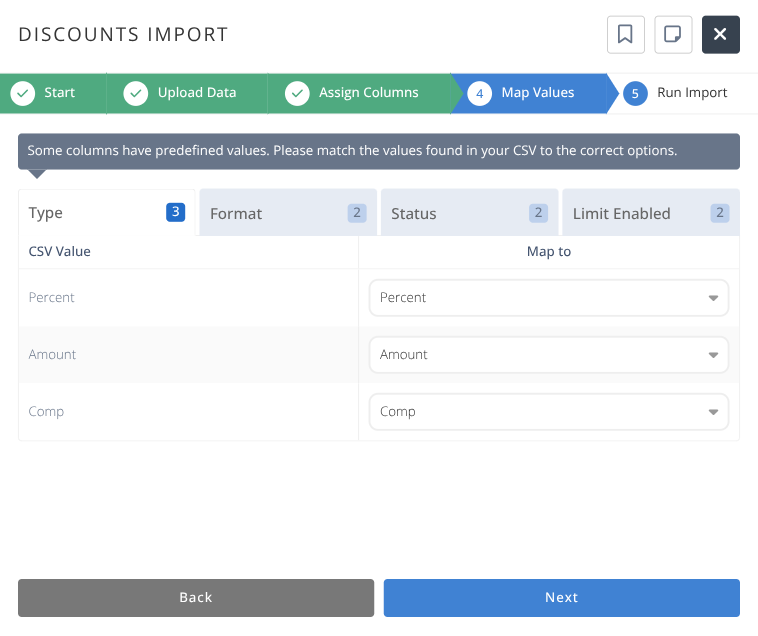
Review all fields that map to specific values and select the corresponding data value to map to.
Run Import
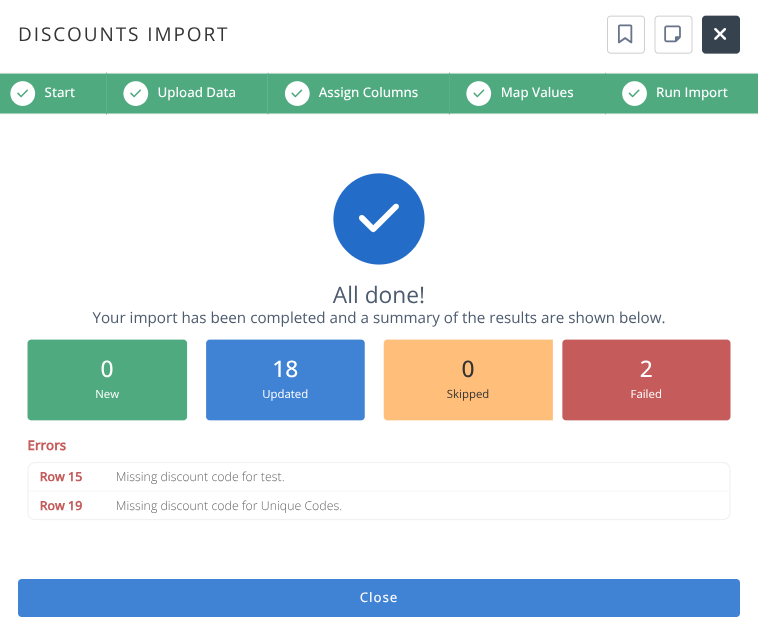
Complete the import. The number of new, updated, skipped, and failed updates will be displayed along with any errors encountered.